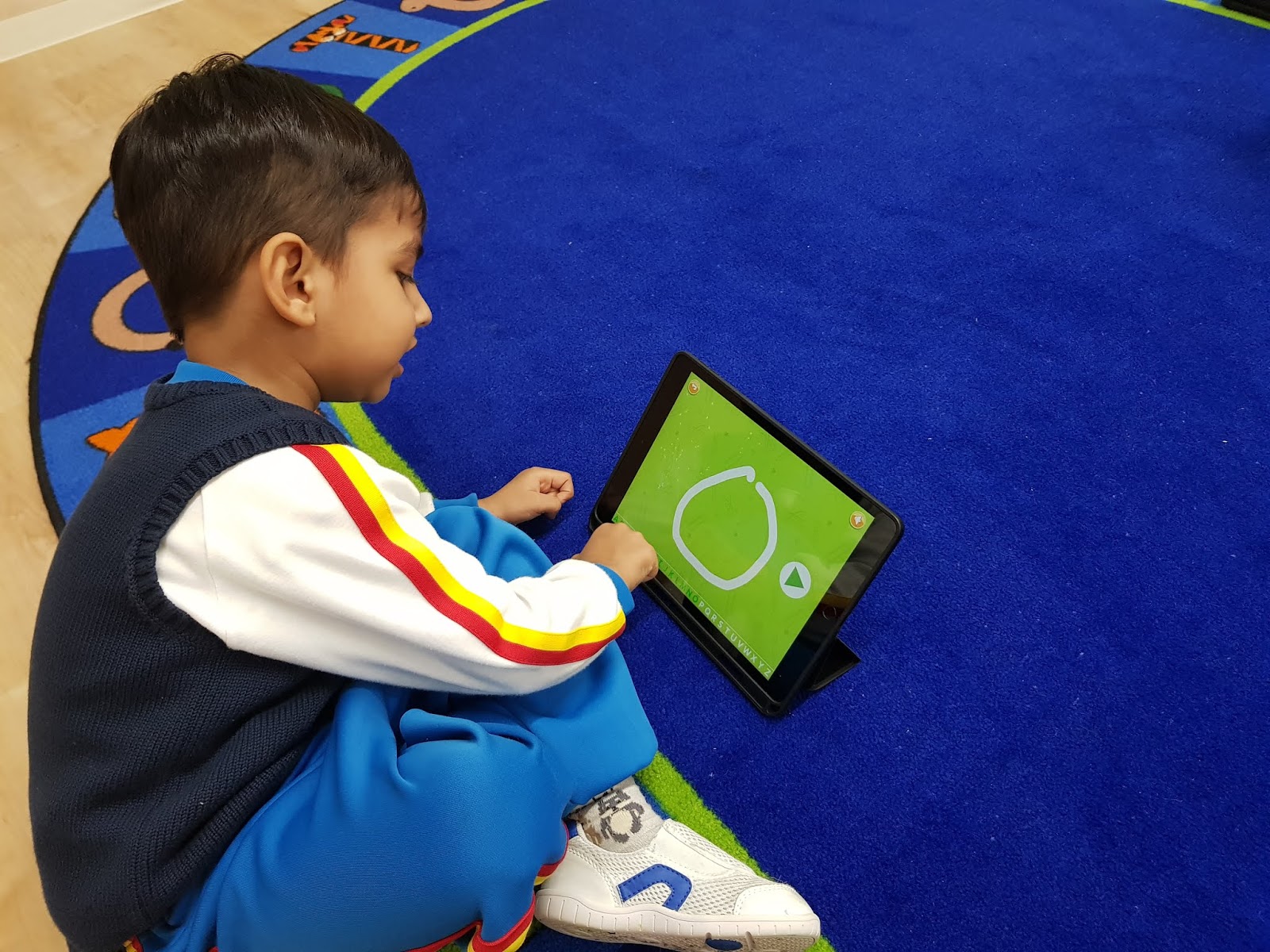
Grade2 students have continued to learn and practice keyboarding for 4 weeks. They use "
TypingClub" is an educational platform for this purpose. It is web-based and fully customizable, so students can practice in class, at home, or wherever an internet connection can be found.
At the very beginning, students found this activity pretty hard. They kept looking at the keyboard on the computer.
However, watching the 2-minute short video clip about its rule to be successful, grade 2 students realized that there is actually one rule to achieve successful results:
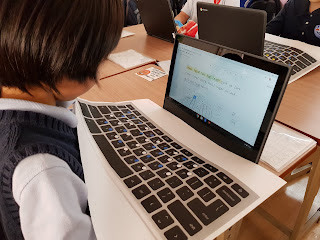
Never ever look at the keyboard! Grade 2 students made decision on covering the keyboard with their hand towel or something else to avoid glancing at. After that students started to earn 5 stars in most of the lessons. They have shown good results on Home Row keys so far, so it's decided to continue with Top Row key. They can handle it easily for sure.




Why teach keyboarding?
Typing faster is not the primary objective
of keyboarding; rather it is a desired side effect. Once your students
are able to type with all ten fingers without needing to look down at
the keyboard, their overall productivity when using a computer will
improve dramatically.
When typing with two fingers, the visual
and frontal cortices of the brain are forced to focus on where
individual keys are located.
Keyboarding removes this burden, enabling students to work on things
like sentence structure and grammar while they type. To help students in
the classroom, the best thing you can do is to make sure students are
not looking at the keyboard.
Source: https://s.typingclub.com/docs/user-guide/introduction/about-typingclub.html